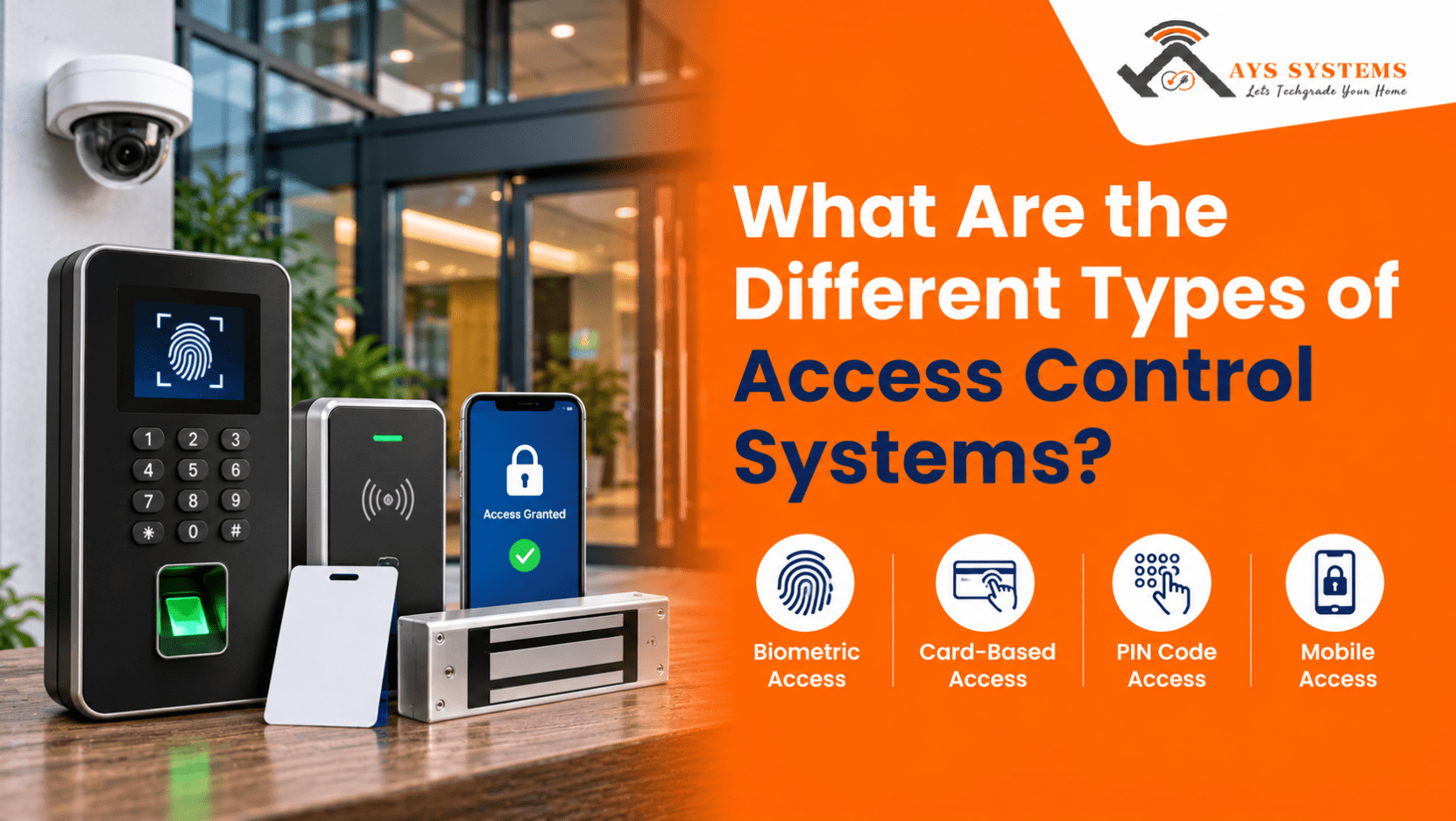
Managing access to different areas of a business can be challenging when employees, visitors, and contractors have different security requirements. From protecting confidential records to restricting entry into sensitive rooms, businesses in Harrow, UK, need a reliable way to control who can enter specific areas without depending entirely on traditional keys.
In this blog, we will explore the different types of access control systems, how they work, their benefits, and limitations. We will also cover the key factors businesses should consider when choosing a system that suits their property and everyday security needs.
What is an Access Control System and How Does It Work?
An access control system manages who can enter a building, room, or restricted area using credentials and assigned permissions instead of traditional keys. For example, employees may access general office areas, while managers can enter server rooms or storage spaces. Visitors can also receive temporary access.
Most systems work through four main components:
- Credentials: Identify users through keycards, PINs, fingerprints, or mobile devices.
- Reader: Collects credential information during an entry request.
- Control panel: Checks permissions and decides whether access should be granted.
- Electronic locking mechanism: Unlocks or secures the door based on the system's decision.
Some systems also record entry attempts, generate security reports, and allow remote permission updates. For businesses comparing access control systems in London, understanding these components helps identify a suitable solution.
Different Types of Access Control Systems
Different buildings have different security requirements. While a small office may need basic keycard entry, a larger commercial property may require multiple access control methods. Here are nine common access control types, their benefits, and practical uses.
1. Discretionary Access Control (DAC)
Discretionary Access Control allows an owner or authorised administrator to decide who can access specific resources or areas.
How it works:
- Administrators assign access permissions.
- Users receive access based on those permissions.
- Permissions can be changed or withdrawn when responsibilities change.
Advantages:
- Easy to understand and manage.
- Flexible permission management.
- Suitable for smaller environments.
Limitations:
- Permissions become harder to manage with more users.
- Incorrect settings may expose restricted resources.
- Requires responsible access management.
DAC is commonly used in computer files and information systems.
2. Mandatory Access Control (MAC)
Mandatory Access Control uses centrally managed permissions rather than allowing individual users to decide who gets access. Users and resources receive security classifications, and access is granted according to authorised clearance.
Key features:
- Centrally managed access permissions.
- Clearly defined security classifications.
- Limited ability for users to change permissions.
- Greater control over sensitive information.
Where is it useful?
MAC is suitable for government departments, defence organisations, and research facilities where information confidentiality is essential. However, its strict structure can make permission changes less flexible.
Interesting read: How to Maintain Your Access Control System After Installation
3. Role-Based Access Control (RBAC)
Role-Based Access Control assigns permissions according to employees' job responsibilities.
For example, finance staff may access financial records, while IT employees can enter server rooms and access network equipment.
Benefits of RBAC:
- Simpler administration: New employees receive permissions based on their assigned roles.
- Better organisation: Employees with similar responsibilities have consistent access.
- Reduced unnecessary access: Staff cannot automatically enter unrelated restricted areas.
- Easier updates: Permissions can be changed when employees move to different roles.
RBAC is particularly useful for offices, healthcare facilities, educational institutions, and commercial buildings with multiple departments.
4. Rule-Based Access Control
Rule-Based Access Control grants or restricts entry according to predefined conditions set by an administrator. These rules may depend on working hours, dates, or specific security requirements.
Common examples include:
- Allowing entry only during working hours.
- Restricting access on weekends and public holidays.
- Providing temporary access to contractors.
- Blocking entry to specific areas during maintenance.
Once configured, the system applies these rules automatically. However, administrators should review them regularly to avoid outdated permissions.
5. Attribute-Based Access Control (ABAC)
Attribute-Based Access Control considers multiple characteristics before granting access. These may include user details, resource information, location, and current circumstances.
For example, laboratory access may depend on an employee's job role, security clearance, training status, and authorised working hours.
Important attributes include:
- User attributes: Job title, department, and employment status.
- Resource attributes: Room classification and information sensitivity.
- Environmental attributes: Time, location, and security conditions.
- Action attributes: The type of access being requested.
ABAC provides flexible and detailed access management, making it useful for larger organisations, healthcare environments, and facilities with complex security requirements.
6. Keycard and RFID Access Control
Keycard and Radio Frequency Identification (RFID) systems allow authorised users to enter buildings by presenting a programmed card or tag to a reader. The system verifies the credential and unlocks the door if permission is granted.
Main advantages:
- Convenient entry without traditional keys.
- Easy card distribution to employees and visitors.
- Lost cards can be deactivated without changing physical locks.
- Access permissions can be updated when responsibilities change.
- Entry records help administrators review access activity.
Things to consider:
Cards can be lost, damaged, or shared. Businesses should have procedures for reporting missing cards and removing permissions when employees leave.
These systems are commonly used in offices, hotels, schools, and commercial properties. For businesses considering door access system installation in Harrow, UK, keycard access can be a practical choice for everyday entry management.
7. Biometric Access Control
Biometric access control verifies identity using unique physical or behavioural characteristics rather than relying only on cards or PINs.
Common biometric methods include:
- Fingerprint recognition: Identifies users through fingerprint patterns.
- Facial recognition: Verifies identity using facial characteristics.
- Iris recognition: Examines unique iris patterns.
- Voice recognition: Uses distinctive voice characteristics.
Why do businesses use biometric systems?
Biometric credentials are linked to individuals, making them harder to share than ordinary access cards. They also reduce the need to carry separate credentials.
However, businesses should consider recognition accuracy, lighting conditions, privacy, secure biometric data storage, and data protection requirements before installation.
These systems are particularly useful in laboratories, data centres, research facilities, and restricted areas.
Compare: Keycard vs Biometric Access Control: Which One to Choose?
8. Mobile and Cloud-Based Access Control
Mobile and cloud-based access control systems allow authorised users to enter buildings using smartphones. Depending on the technology, access may use Bluetooth, Near Field Communication (NFC), or a secure mobile application.
Cloud-based platforms also allow administrators to manage users and permissions remotely.
Key benefits include:
- Remote management: Update access permissions without visiting the property.
- Convenient credentials: Use smartphones instead of physical cards.
- Flexible permissions: Provide temporary access to visitors and contractors.
- Activity monitoring: Review available entry records.
- Scalability: Add users and entry points as the business grows.
However, businesses should consider network reliability, account security, and backup arrangements during internet or power interruptions.
These systems are suitable for modern offices, coworking spaces, and commercial buildings managing multiple locations.
9. Keypad Access Control
Keypad access control requires users to enter a predefined PIN or access code to unlock a door. Businesses can assign individual codes or use a shared code for specific entry points.
Advantages of keypad access control:
- No physical card or key is required.
- PINs can be changed when access arrangements change.
- Different codes can be assigned to employees and visitors.
- Suitable for offices, storage rooms, and staff areas.
Things to consider:
Users should avoid sharing PINs or choosing easily guessed combinations. Businesses should also change codes when employees leave or temporary access expires.
Keypad systems can operate independently or work alongside keycards and biometric readers for additional verification.
Which Type of Access Control System Is Best for Your Business?
There is no single solution that works for every property. The right choice depends on the number of people using the building, the areas that need protection, and how much control administrators require.
Here is a simple comparison to help understand where different systems may be useful.
| Access Control Type | Best Suited For | Main Advantage |
| DAC | Small organizations | Flexible permissions |
| MAC | High security environments | Strict central control |
| RBAC | Offices and institutions | Role based permissions |
| Rule Based | Commercial properties | Time based restrictions |
| ABAC | Complex organisations | Detailed access conditions |
| Keycard and RFID | Offices and hotels | Convenient entry |
| Biometric | Restricted facilities | Identity verification |
| Mobile and Cloud Based | Modern workplaces | Remote management |
| Keypad | Small offices and storage areas | PIN based entry |
For some businesses, combining two technologies can provide better results than relying on one method. For example, a company may use keycards for general office access and biometric verification for its server room.
The important thing is to select a system that addresses actual security requirements without making everyday entry unnecessarily complicated.
Factors to Consider Before Choosing an Access Control System
Choosing an access control solution requires more than comparing features. Businesses should consider their security needs, building layout, users, and long-term costs.
Here are six important factors to consider:
1. Understand Your Security Requirements
Identify which entry points and restricted areas need protection. For example, reception areas may need basic access management, while server rooms require stricter restrictions.
2. Consider the Number of Users
Choose a system that can accommodate existing employees, visitors, and contractors, as well as future users and additional entry points.
3. Check Compatibility With Existing Security Equipment
Check whether the system can work with existing CCTV cameras, intruder alarms, and electronic locks. Integration can make security management easier.
4. Evaluate Ease of Use
Choose a system that makes it simple to issue credentials, update permissions, deactivate lost cards, and review entry records.
5. Consider Installation and Maintenance
Consider the building layout, door types, and electrical requirements before installation. Businesses planning access control installation in Wimbledon should also account for regular maintenance, software updates, and technical support.
6. Review Long-Term Costs
Apart from the initial installation cost, consider:
- Replacement cards and credentials.
- Software subscriptions and cloud service charges.
- Reader and locking equipment maintenance.
- Battery replacements and backup power.
- System upgrades and technical support.
Reviewing these expenses beforehand helps businesses choose a practical access control solution that remains suitable over time.
Common Access Control Mistakes Businesses Should Avoid
Even a well-selected access control system can create security gaps if it is not managed properly. Businesses should avoid these common mistakes:
- Giving everyone the same permissions: Set access according to employees' roles.
- Not removing former employees: Deactivate credentials when employees leave.
- Ignoring lost credentials: Disable missing cards, compromised PINs, or lost devices promptly.
- Overlooking emergency access: Consider fire safety and emergency exits.
- Skipping inspections: Regularly check readers, locks, control panels, and backup power.
- Choosing unsuitable technology: Match the system to the building layout and security needs.
Proper planning and maintenance help prevent security gaps. Whether arranging access control installation in Watford or upgrading an existing system, choosing suitable equipment helps maintain reliable access control.
How AYS System Helps Businesses Choose the Right Access Control Solution
Choosing an access control system requires considering the building, number of users, and security requirements rather than simply comparing keycards, PINs, or biometric readers.
At AYS System, we provide security system installation services for homes and businesses across Harrow and London. As a trusted security system installer in Harrow, we help businesses consider suitable solutions based on their property requirements.
During access control installation, we focus on:
- Security requirements: Identifying entrances and restricted areas that need protection.
- Ease of use: Choosing systems that employees and visitors can operate easily.
- Existing equipment: Considering compatibility with CCTV and intruder alarms.
- Long-term maintenance: Planning for regular servicing, updates, and technical support.
We aim to help businesses choose practical access control solutions that support their everyday security needs.
Conclusion
Understanding the different types of access control systems makes it easier to choose a solution that matches your property's security requirements. From keycard and keypad systems to biometric and cloud-based solutions, each option offers different features and levels of control.
Before making a decision, consider the number of users, restricted areas, existing security equipment, and future maintenance requirements. A properly selected and maintained system can help businesses manage entry more effectively while protecting employees, visitors, and valuable assets.
FAQs
1. Which access control system is best for small businesses?
Keypad and keycard systems are practical options for many small businesses. The right choice depends on the number of employees, entry points, and required security level.
2. Are biometric access control systems more secure than keycards?
Yes, biometric systems offer identity verification through fingerprints, facial recognition, or iris patterns. However, secure data storage and privacy protection are essential.
3. Can access control systems be integrated with CCTV?
Yes, compatible access control systems can integrate with CCTV cameras, helping businesses review entry events alongside relevant video footage.
4. How often should access control systems be maintained?
They should be inspected regularly according to manufacturer recommendations. Readers, electronic locks, software, and backup power should be checked periodically.
5. Can access control systems work without an internet connection?
Some systems support local operation without internet access. However, remote management and certain cloud features may become temporarily unavailable.
0 Comments