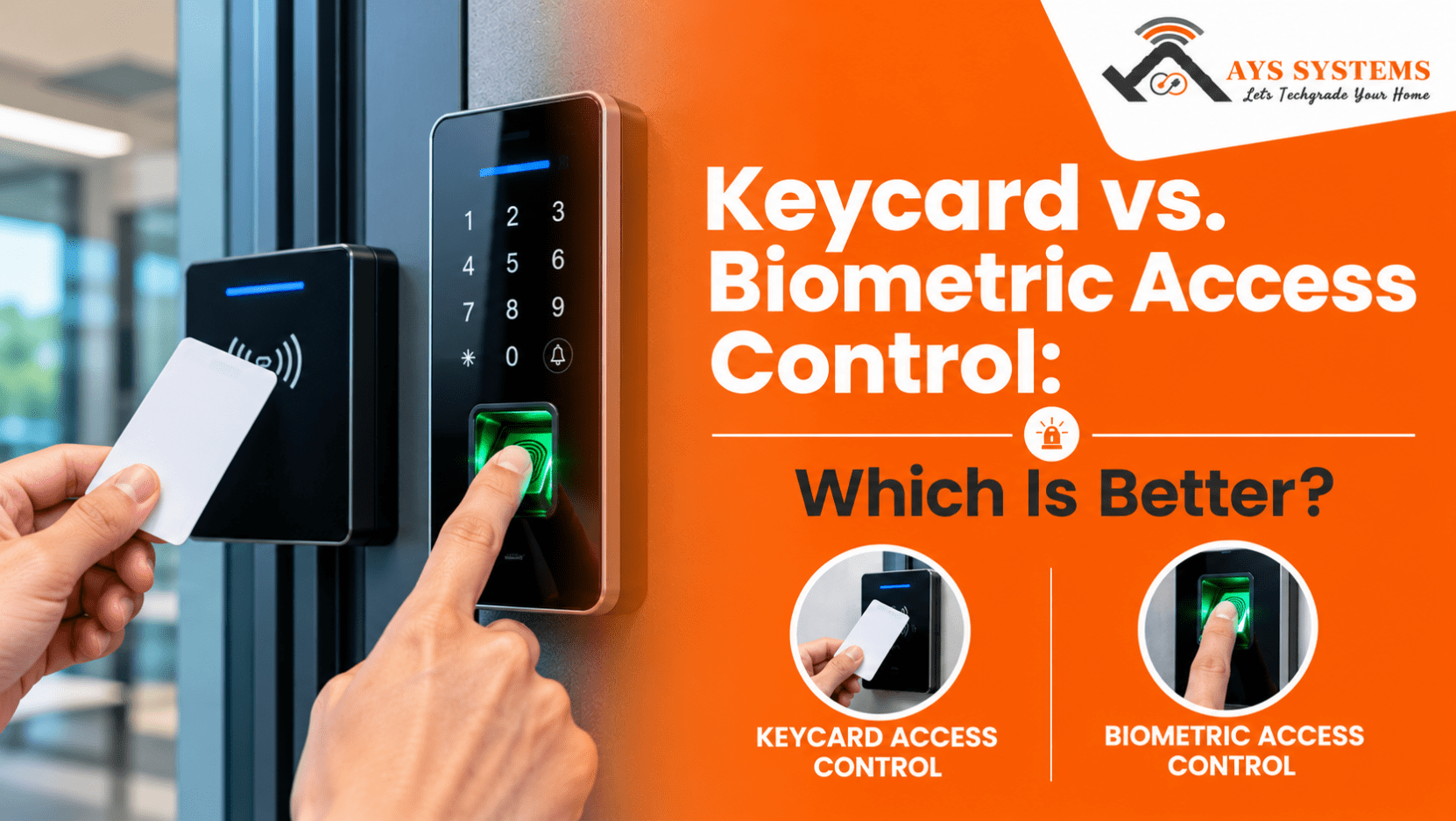
Imagine arriving at your workplace in Harrow, UK, only to discover that you have left your access card at home. A colleague might need to let you in, or you may have to wait for someone with the right permissions. Now imagine entering the same building by simply scanning your fingerprint. Both methods offer controlled access, but they create very different experiences for employees, visitors, and building managers.
Choosing between keycard and biometric access control is not just about deciding how people enter a building. It also involves security, convenience, maintenance, privacy, and the way a property operates every day. In this blog, we will explore how both systems work, compare their advantages and limitations, and explain which option may suit different properties and security requirements.
What is Keycard Access Control?
Keycard access control allows authorised people to enter a building or restricted area using a physical card or access credential. The card communicates with a reader, which checks the credential against the system's permissions. If access is approved, the electronic lock releases the door.
These systems are widely used in offices, apartment buildings, hotels, and commercial properties because they are easy to manage. Professional access control system installation in Harrow, UK can help businesses and property owners manage entry and control access to restricted areas.
How Does a Keycard System Work?
A typical keycard system follows a simple process.
- An authorised person presents their card to a reader.
- The reader sends the credential information to the access controller.
- The controller checks whether the credential has permission to enter.
- If the information is valid, the door unlocks.
- The system may record the entry time and credential details for later review.
Depending on the installation, the system may use contactless proximity cards, smart cards, or other electronic credentials.
Advantages of Keycard Access Control
- Easy to Issue and Replace: Building managers can issue cards to employees, tenants, and visitors. Lost cards can be deactivated and replaced easily.
- Flexible Access Permissions: Keycard access control allows different users to access specific rooms or areas based on their roles.
- Convenient for Busy Premises: Card readers provide quick entry without requiring users to remember door codes, making them suitable for busy workplaces.
- Straightforward Administration: Administrators can add users, update access permissions, deactivate credentials, and review entry records through management software.
Limitations of Keycard Systems
Keycards can be lost, stolen, or shared, allowing unauthorised people to enter using a valid card. Frequent replacements can also increase costs, especially in buildings with many users. Proper credential management is essential to maintain security.
What is Biometric Access Control?
Biometric access control verifies a person's identity using a physical or behavioural characteristic. Depending on the system, this may include a fingerprint, facial features, an iris pattern, or another supported biometric identifier.
Unlike a conventional access card, a biometric credential is connected to the person using the system. This can reduce the risk of unauthorized entry through borrowed or shared credentials.
How Does a Biometric System Work?
A biometric access control system verifies a person's identity using registered biometric information, such as a fingerprint or facial features.
- The user scans their fingerprint or face.
- The device captures the biometric information.
- The system compares it with the enrolled template.
- If the match is valid and access is authorised, the door unlocks.
- The system may record the entry for future reference.
The process depends on the technology and system configuration.
Advantages of Biometric Access Control
- Less Dependence on Physical Credentials: Users can access authorised areas without carrying a separate access card.
- Stronger Identity Verification: Biometric checks verify an enrolled user's identity, reducing the risk of card sharing.
- Useful for Restricted Areas: Biometric access control helps protect sensitive spaces such as server rooms, research facilities, and storage areas.
- Reduced Card Management: Organisations can reduce card issuing and replacement tasks, although device maintenance and user management are still required.
Limitations of Biometric Systems
Biometric systems can have higher installation costs, and performance may vary depending on device quality and environmental conditions. They also require strong data privacy safeguards and alternative access options for users who cannot reliably use biometric verification.
Keycard vs Biometric Access Control: Main Differences
When comparing keycard vs biometric access control, it helps to look beyond the entry method. The better option depends on the level of protection required, the number of users, the available budget, and how the premises are managed.
1. Security and Identity Verification
Keycards confirm that someone has a valid credential. However, a card may be used by another person if it is shared or stolen.
Biometric systems check a person's biometric information against an enrolled template. This makes casual credential sharing more difficult, although no system guarantees complete protection against every form of attack.
For sensitive areas, a combination of a card and a biometric check may provide stronger verification than either method alone.
2. Installation and Running Costs
Keycard systems can be a practical choice when many people require routine access. Their costs may include readers, cards, controllers, locks, software, and installation.
Biometric systems may require more expensive readers and additional privacy or data protection measures. Their total cost depends on the technology, the number of entry points, and integration with existing security equipment.
When assessing the budget, consider long-term costs as well as the initial purchase price.
3. Convenience for Daily Users
Keycards are familiar and generally quick to use. However, users must remember to carry them and keep them secure.
Biometric access can reduce the need to carry an extra item. Fingerprint systems require users to present a readable fingerprint, while facial recognition systems depend on suitable device performance and operating conditions.
The most convenient system is the one that authorised people can use reliably without creating unnecessary queues or access problems.
4. Privacy and Data Protection
A keycard system generally relies on a credential identifier and associated access records. A biometric system may involve processing sensitive biometric information, making privacy arrangements particularly important.
Before selecting biometric access, organisations should understand what information is collected, where it is stored, who can access it, how long it is retained, and what happens when an employee leaves.
In the UK, biometric data used for unique identification may qualify as special category data, requiring appropriate safeguards under data protection law.
5. Administration and Maintenance
Both systems require ongoing management. Keycards must be issued, permissions updated, and lost credentials disabled. Biometric devices need cleaning where appropriate, software updates, performance checks, and enrolment management.
For practical advice on keeping equipment reliable, read our guide on how to maintain your access control system.
6. Suitability for Different Properties
Keycards often suit offices, shared residential buildings, and premises where credentials need to be issued to a changing group of users.
Keycards work well for everyday entry, while biometrics offer added identity checks for sensitive areas. For connected properties, home automation installation in UK can bring access control and other compatible security features together for easier management.
Keycard vs Biometric Access Control: Which is the Better Choice?
There is no single answer for every building. The right choice depends on what you need to protect and how people use the premises.
1. When Keycard Access Is the Better Choice
Consider keycard access if:
- You need to provide credentials to a large number of employees or residents.
- Your organisation frequently changes access permissions.
- You want a familiar entry method with straightforward administration.
- Your budget needs to cover several doors or buildings.
- Your security requirements can be met without biometric identification.
For many offices and residential properties, a properly managed keycard system offers a practical balance of cost, convenience, and control.
2. When Biometric Access Is the Better Choice
Consider biometric access if:
- Certain rooms contain sensitive equipment, information, or valuable assets.
- You want to reduce the risk of shared or borrowed credentials.
- Your organisation needs stronger identity verification at selected entry points.
- The budget supports suitable biometric devices and their ongoing management.
- You can meet the relevant privacy, accessibility, and data protection requirements.
Biometrics should be selected because they solve a specific security problem, rather than simply because the technology is newer.
Interesting read: Best Access Control and Door Entry Systems for Homes and Workplaces
3. Is a Combined System Worth Considering?
In some buildings, the best solution is not an either-or decision. A combined system can use keycards for general entry and biometric verification for higher security areas.
For example, employees might use a card to enter an office building but need an additional biometric check to access a server room. This approach can concentrate stronger controls where they are most useful without making every entrance unnecessarily complicated.
What Should You Check Before Installing an Access Control System?
Consider these five factors before choosing an access control system.
- Identify Areas That Need Protection: List entrances, staff areas, storage rooms, and sensitive spaces.
- Review Users: Consider employees, visitors, contractors, and their access requirements.
- Check Compatibility: Ensure the system works with existing locks, CCTV, alarms, and software.
- Plan for Emergencies: Check safe exit procedures and backup arrangements for power or system failures.
- Establish Access Policies: Define credential management, lost card procedures, biometric data protection, and access removal.
For properties considering wider security improvements, an assessment of access control systems in London can help identify the main requirements before choosing specific equipment.
How AYS System Helps You Choose the Right Access Control System
Choosing the right access control system depends on your property's layout, security needs, and the people who use it daily. At AYS System, we help customers understand their options and find suitable solutions for managing entry and protecting restricted areas.
When selecting a system, we consider the following factors:
- Security Requirements: Identify which entrances and areas need controlled access.
- Ease of Use: Choose a system that authorised users can operate comfortably.
- Existing Equipment: Check compatibility with locks, CCTV, and other security devices.
- Long-Term Maintenance: Consider how the system will be managed and maintained over time.
For homeowners, the right access control system can complement a security system for homes in London, helping manage entry and improve overall property security. Our focus is on finding a practical solution that meets your needs without adding unnecessary complexity.
Conclusion
Choosing between keycard and biometric access control comes down to what works best for your property and the people using it. Keycards offer simple access management, while biometric systems provide an additional layer of identity verification. The right choice depends on your security priorities, budget, privacy needs, and the areas you want to protect.
Before making a decision, consider how the system will work in everyday situations, from managing staff access to handling lost credentials or equipment issues. Understanding the difference between keycard and biometric access control helps you make a practical, informed choice that supports long-term security without making access unnecessarily complicated.
FAQs
1. Is biometric access control more secure than keycards?
Biometric access can make credential sharing more difficult because it checks a person's biometric information. However, security also depends on device quality, configuration, and the wider access control system.
2. Are keycard access systems suitable for small businesses?
Yes. Keycard systems can be practical for small businesses that need controlled entry, flexible permissions, and a straightforward way to manage staff access.
3. Can keycard and biometric access control work together?
Yes. Some systems support card credentials alongside biometric verification, allowing businesses to apply stronger checks to selected doors or restricted areas.
4. Does biometric access control store fingerprints or facial images?
Some systems store biometric templates instead of complete fingerprint images or facial photographs. Always check what data the system collects and stores.
5. Which access control system is best for a property in Harrow, UK?
It depends on your security needs, budget, and property layout. A site assessment can help determine whether keycards, biometrics, or a combination is the best choice.
0 Comments